SalesView POS Offline Support
POS app stores orders, items, confirmations, and cash payments in a local queue while offline, then syncs them when connection returns.
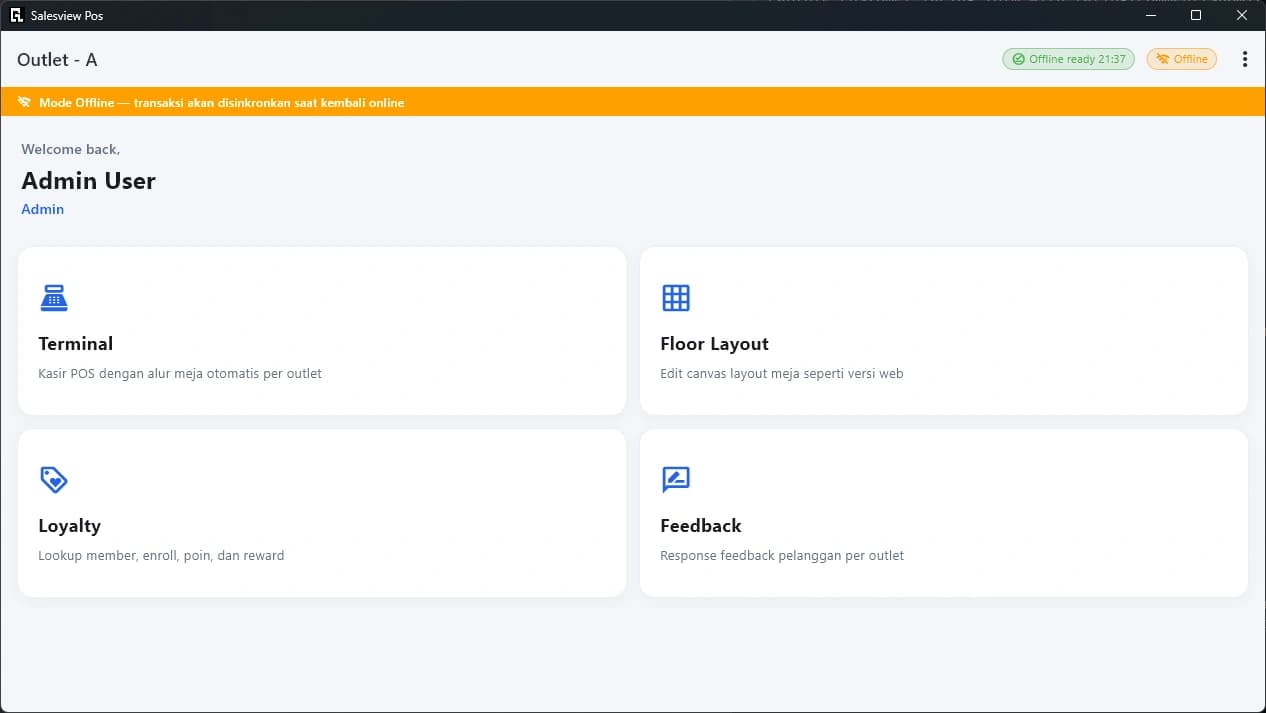
POS offline mode focuses on cashier operations: connection status stays visible, cash transactions enter queue, and digital payments still require internet.
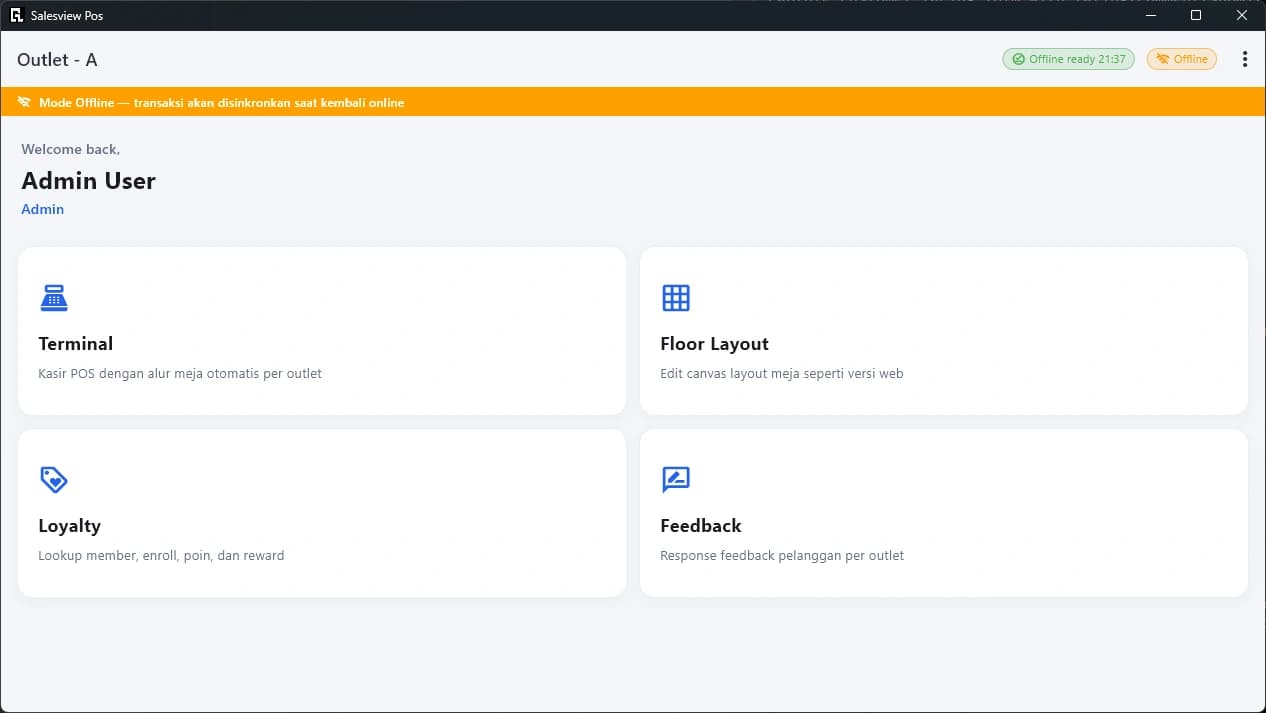
Offline mode banner and AppBar status chip tell cashiers that transactions will sync when connection returns.
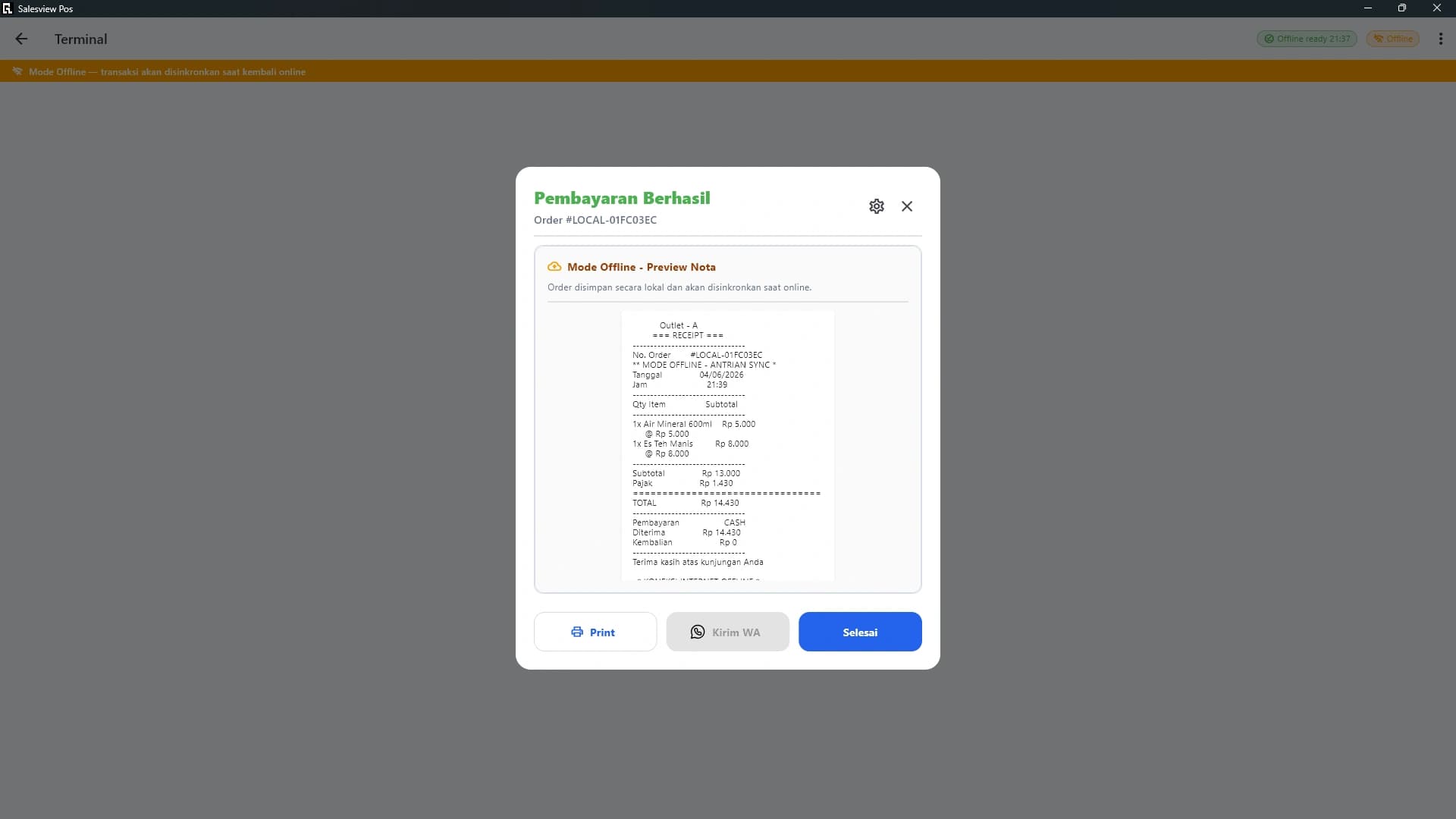
Orders, items, order confirmations, and cash payments can enter local sync queue; chip shows queued transaction count waiting for sync.
SalesView Apps
Connect team workflows by exploring modules that complement each other in one platform.
Teams can keep recording important cash transactions when outlet connection has issues.
Queue count and sync progress appear in POS header so teams know when data still waits for server.