SalesView POS Self Order
Customers open table QR links, browse POS catalog, add items to cart, then choose QRIS or pay at cashier.
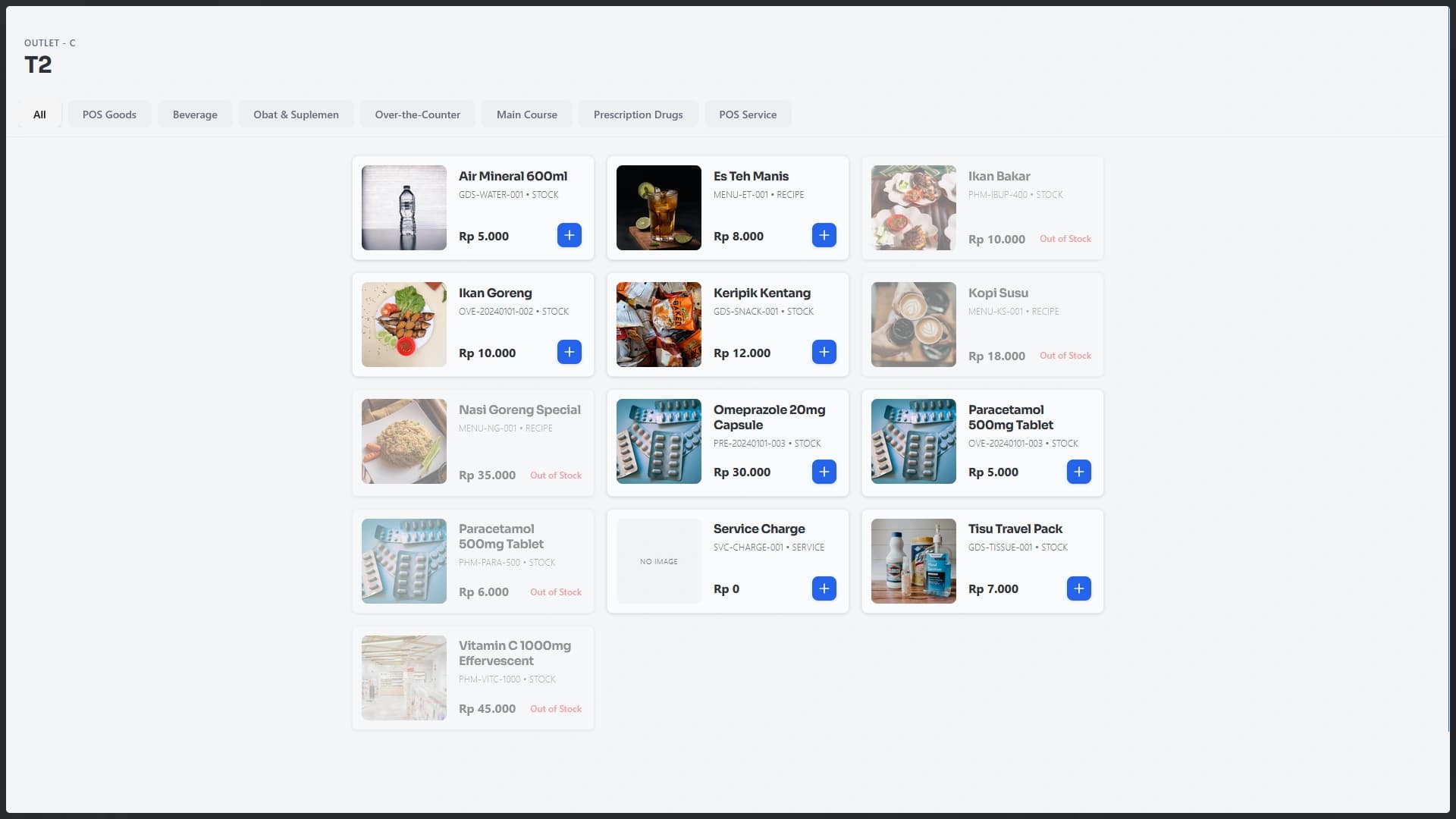
Self order uses public table tokens, cart, checkout, order status, cancel order, QRIS, and pay-at-cashier in customer flow.
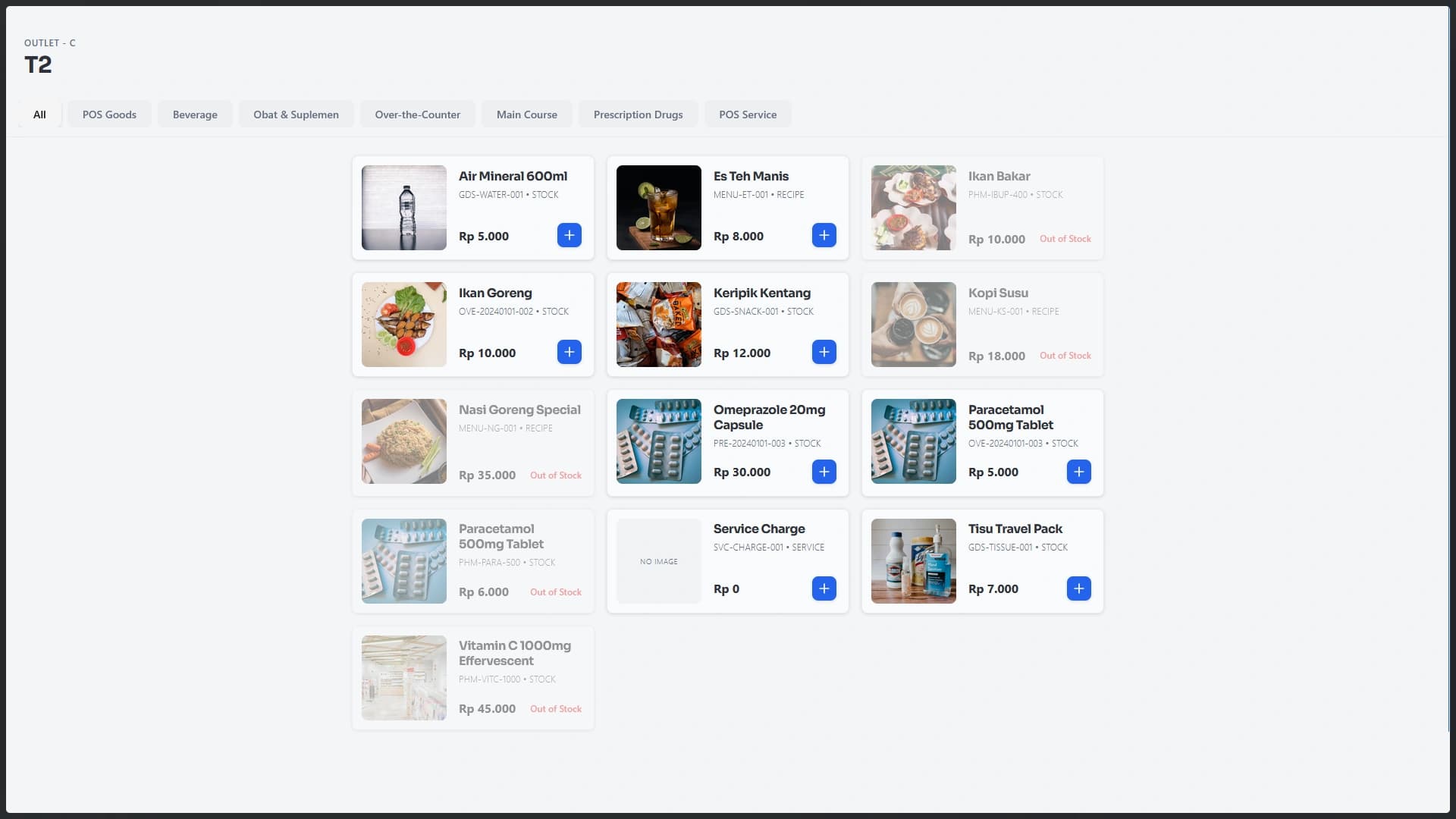
Table QR uses public tokens so customer page knows active outlet and table label.
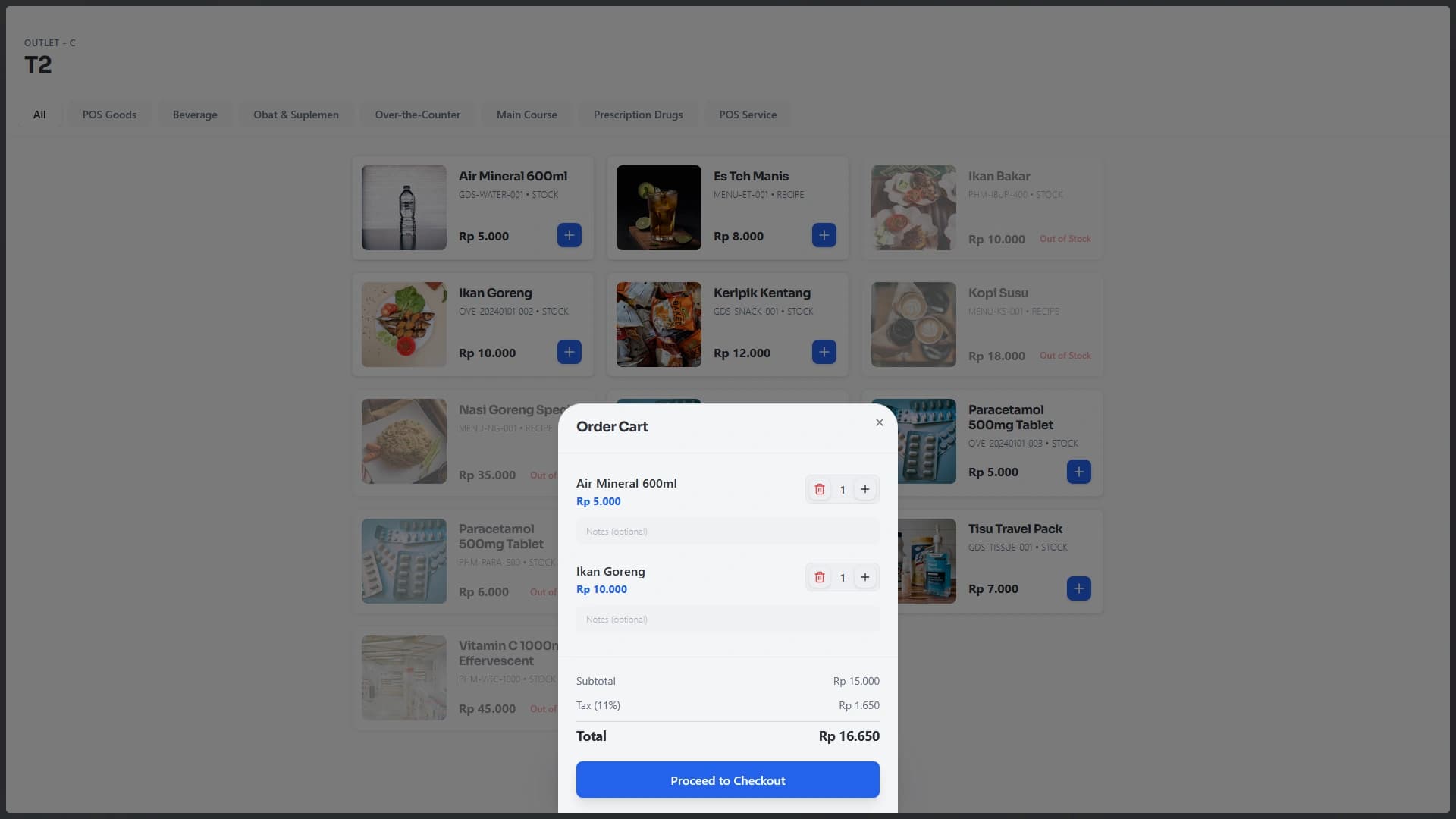
Customers browse catalog, add items, change quantity, add notes, and see subtotal, tax, service charge, and total.
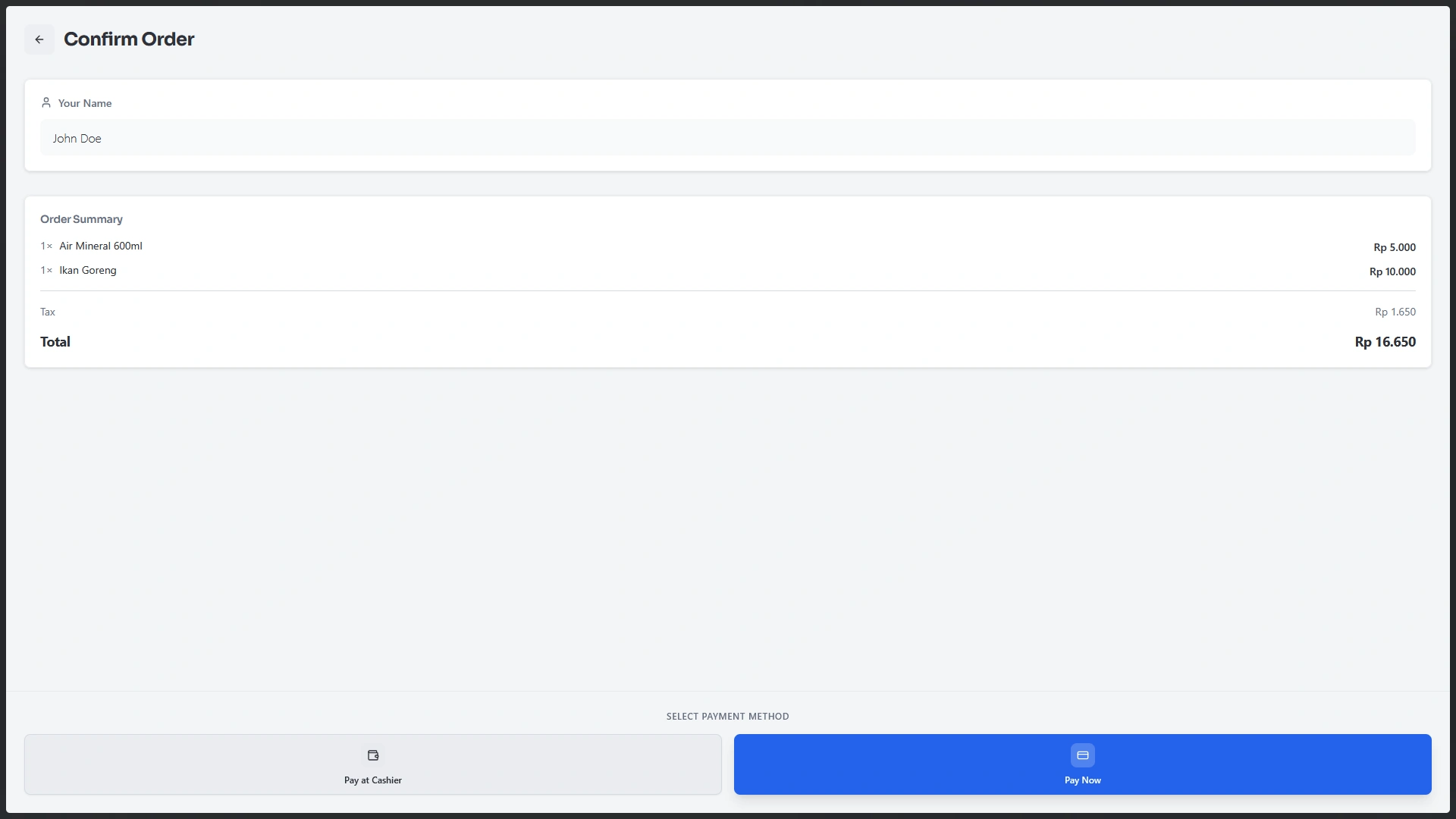
After checkout, customers can pay with QRIS, choose pay at cashier, view order status, cancel, or order again.
SalesView Apps
Connect team workflows by exploring modules that complement each other in one platform.
Teams can focus on serving food, answering questions, and maintaining guest experience.
Customers choose items and notes themselves, reducing miscommunication.